Reservation
Make payment for reservation fee.
A reservation fee is required to secure your place for university admission. The fee will be deducted from your total matriculation fee when the enrollment process is completed. By paying the reservation fee, your spot will be guaranteed.
-
Only Applicants are allowed to pay the reservation fees.
-
Applicants are individuals seeking admission to National University.
-
Applicants must use their NU Quest credentials to access their NU Bills.
How to Pay for Reservation fee
This section explains the payment process for the reservation fee. The fee must be paid by applicants thru NU Bills and will be deducted from the total matriculation fee when enrolling.
STEP 1. Login to NU Bills using the applicants NU Quest credentials.
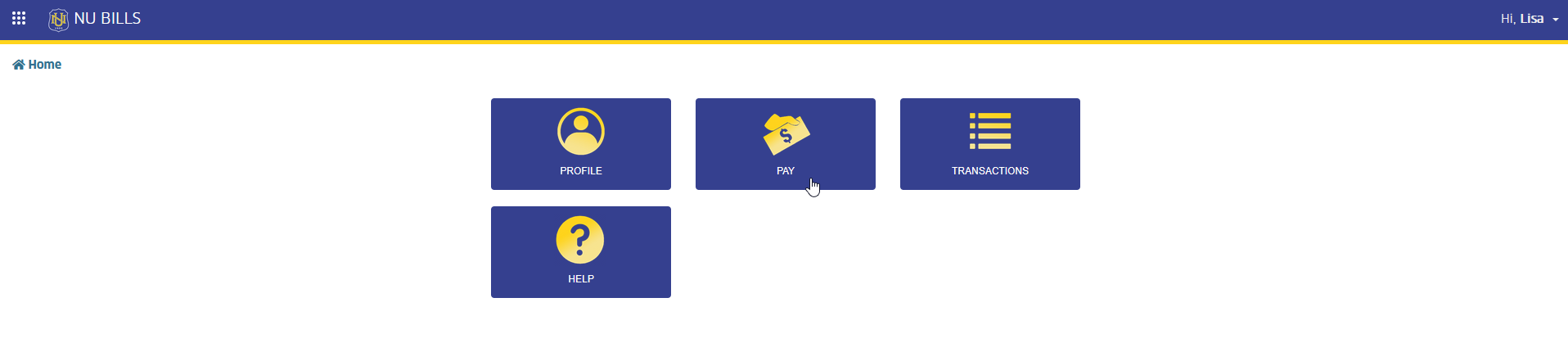
STEP 2. In NU Bills home page, click the Pay module tab. The page will redirect to Make Payment page.
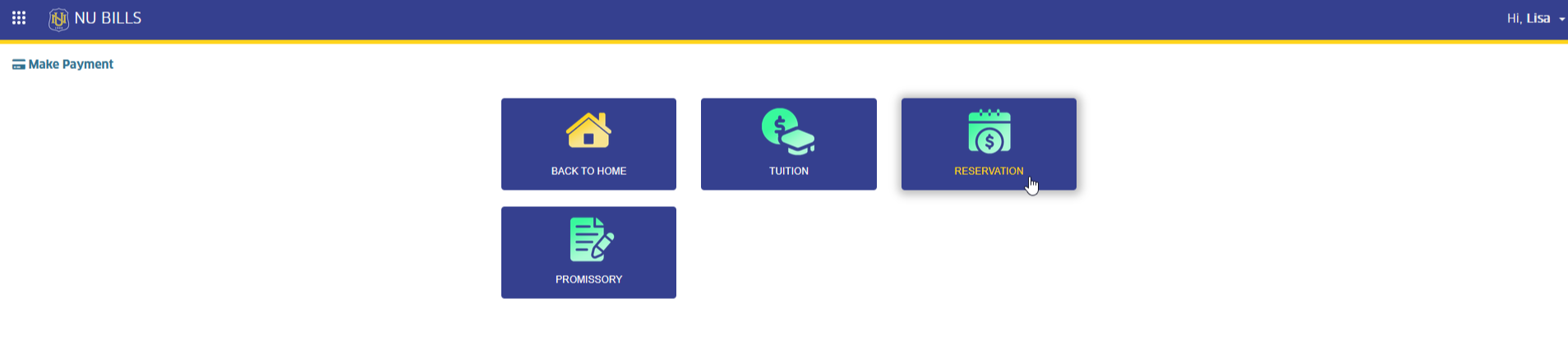
STEP 3. In Make Payment page, click the RESERVATION module tab. This action will redirect the user to Pay Reservation Fee page.
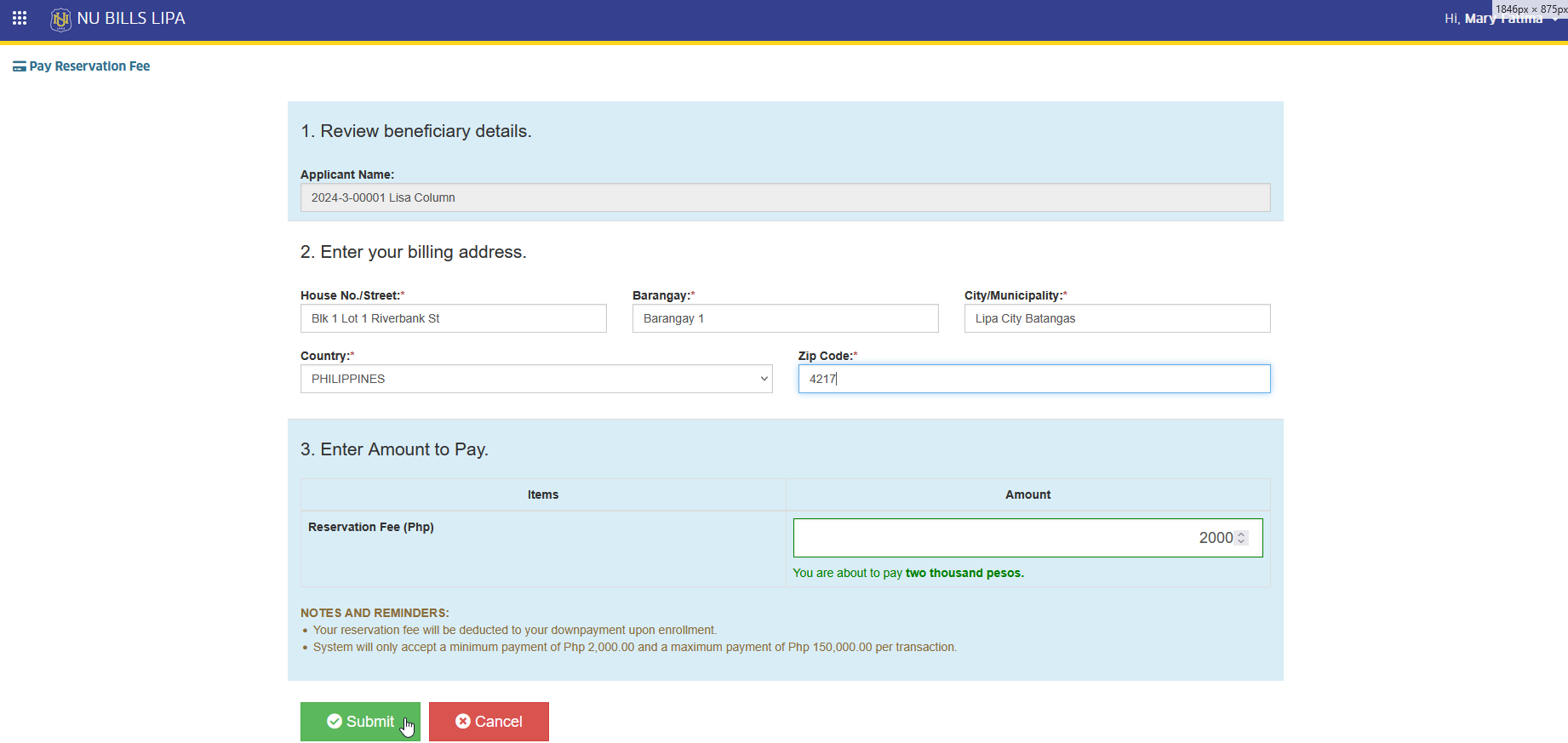
STEP 4. In Pay Reservation Fee page, double check the information indicated in the required field. Click the click button and confirm your action. The page will redirect to Select Payment Channel page.
-
The applicant can modify the billing address information displayed on the page
-
The reservation amount is fixed, as set by the campus's Treasury office.
STEP 5. In Select Payment Channel page, read and follow the indicated reminders in the page and select the preferred payment channels.
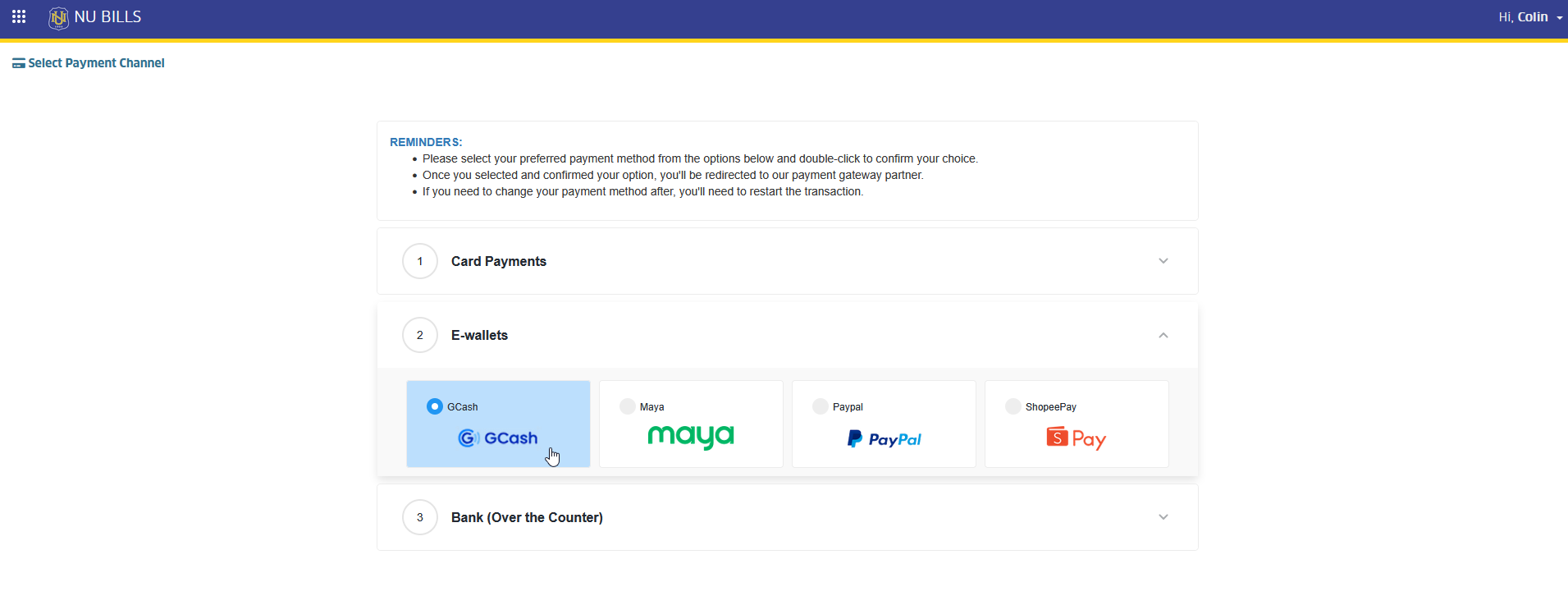
STEP 6. Select payment gateway, and click button. This action will redirect to the selected payment gateway page.
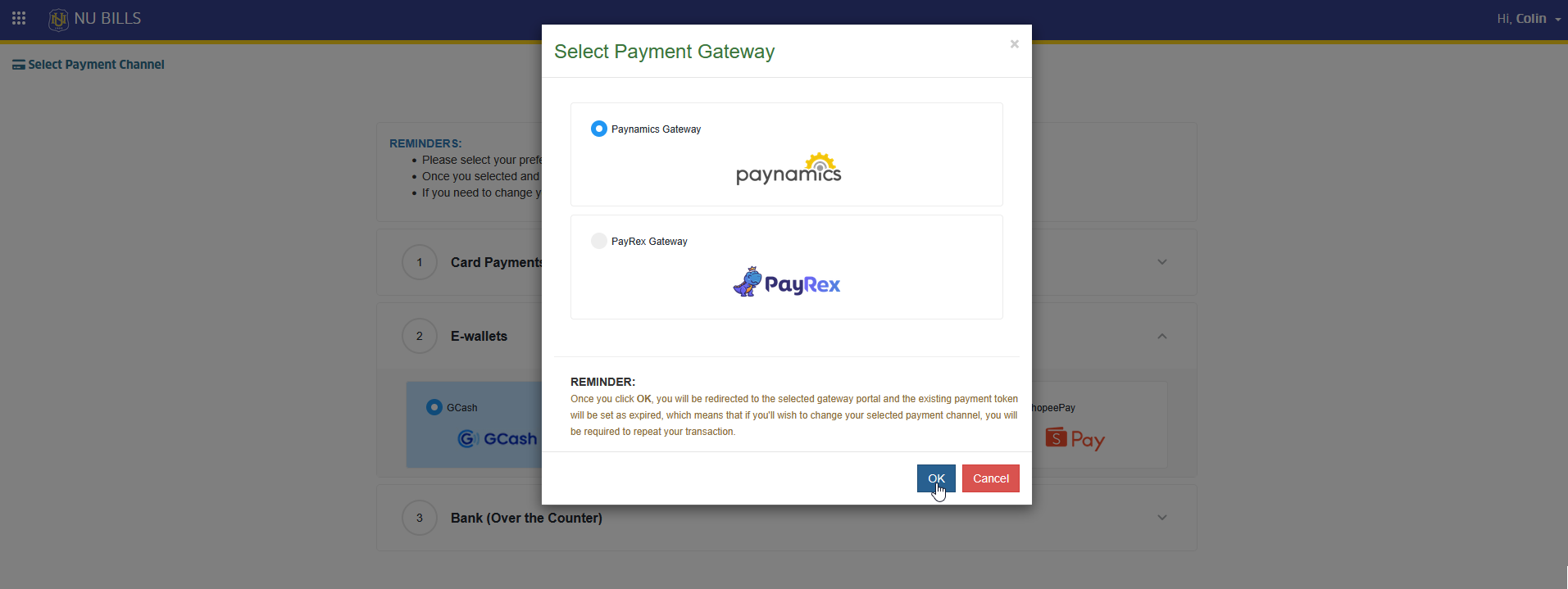
STEP 7. In the selected payment gateway page, make the payment to complete the transaction.
Reservation payment has been successfully sent. Check your mailbox for payment notification sent the system.
For more questions or concerns, email us at nuis@national-u.edu.ph