Rank Qualification
The Rank Qualifications module is used to manage the list of qualifications required for each faculty rank. This helps ensuure that ranking criteria are consistent and easily maintained across all faculty evaluations.
This module is used only by Super Admins. They are the ones responsible for managing it. It will be hidden from all other user roles except those with the Super Admin role.
Required Permissions
-
Add Rank Qualifications - Allows the user to create and save new qualification entries for specific faculty ranks.
-
Edit Rank Qualifications - Allows the user to update or modify existing qualifications details.
-
Delete Rank Qualifications - Allows the user to remove existing qualifications from the list.
-
View Rank Qualifications - Allows the user to access and view the list of all rank qualifications without making changes.
How to Access the Module
To access the module, make sure you have the View Rank Qualifications permission. If it doesn’t appear in your portal, request access from your System Administrator.
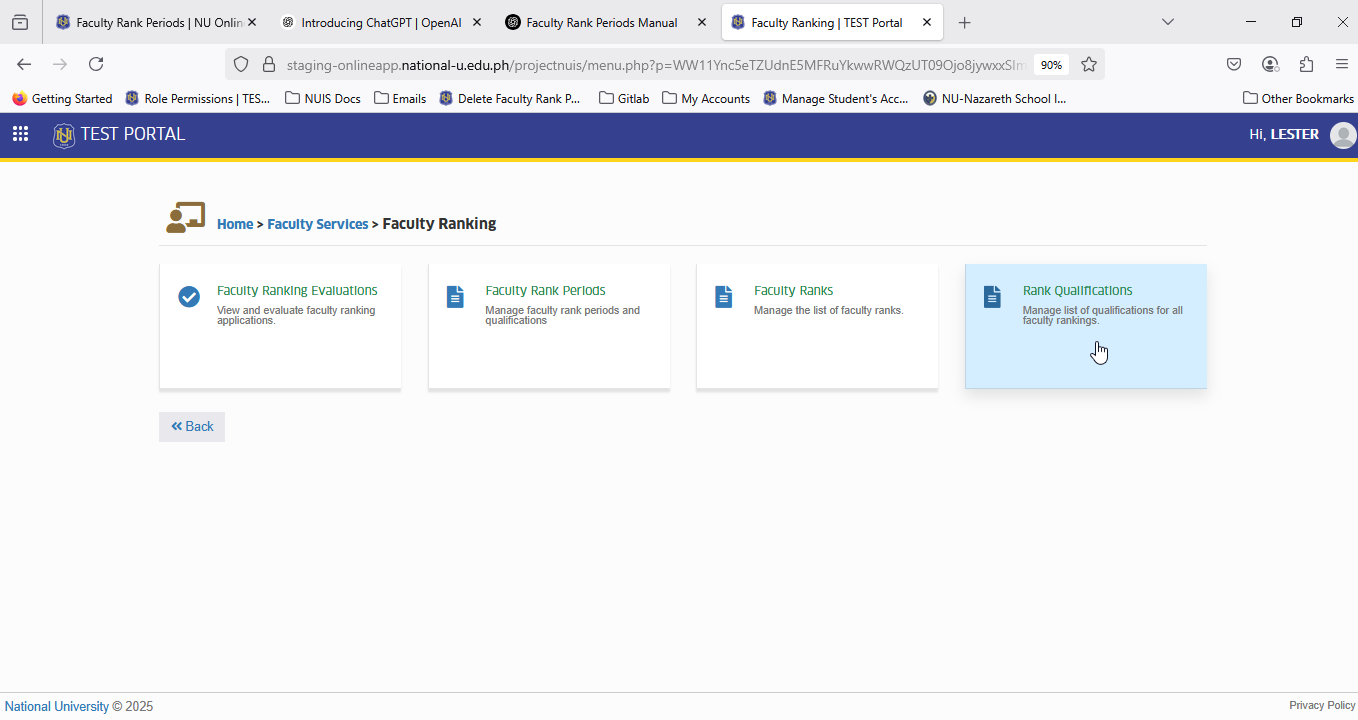
To access the module go to Faculty Services > Faculty Ranking > Rank Qualifications
Click the module tab to redirect to the main page.
How This Module Works
View List of Qualifications
- See all existing qaulifications for various faculty ranks.