🛂 Set User Passports
Manage the passport settings and access of system users.
Passport is the term used for permissions or access.
Required Permissions
- Set User Passports - Permission to access the module.
How to access the module?
To access the module, make sure you have the Set User Passports permission. If it doesn’t appear in your portal, request access from your System Administrator.
Click the module tab to redirect to Assign User's Role page.
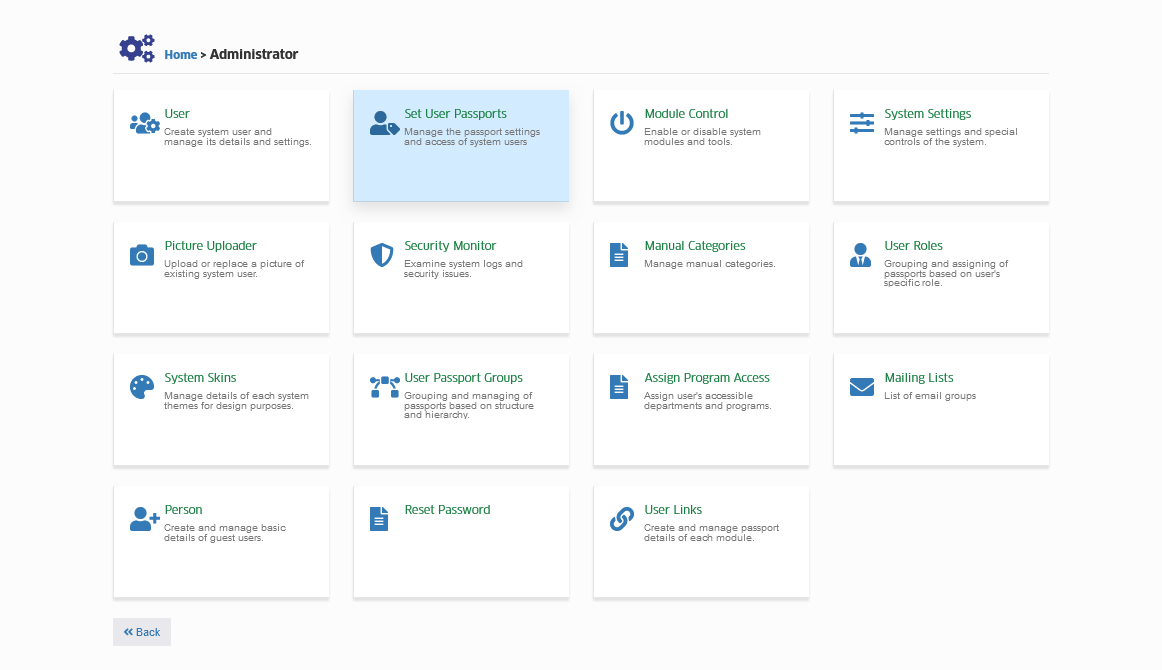
Module Features
-
Role-Based Access Control Interface (RBAC)
This feature will help the administrator to assign new user roles to the specific user. -
View Users per Permissions
This feature will generate a list of users who have access to specific passport.
How to use RBAC Interface?
Follow the steps below to assign new user role to specific user.
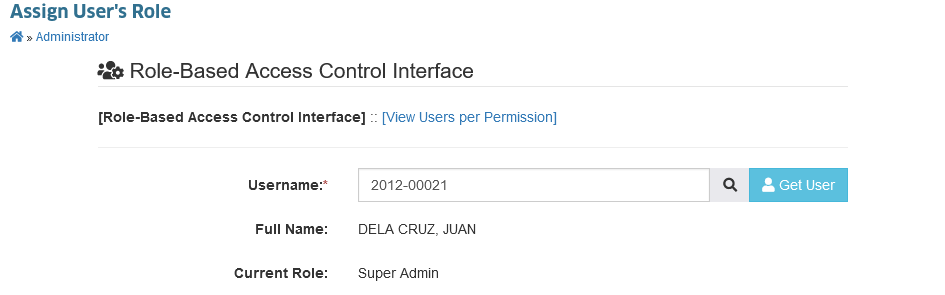
STEP 1. Enter the user's ID on the input field, and click on the button to get the user's current access data.
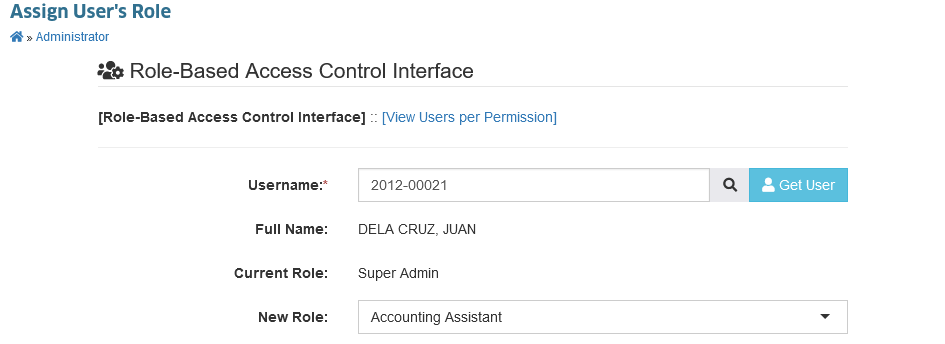
STEP 2. Select the new role to assign from the dropdown list.
STEP 3. Click the button to assign the new list of permissions to the current user's role.
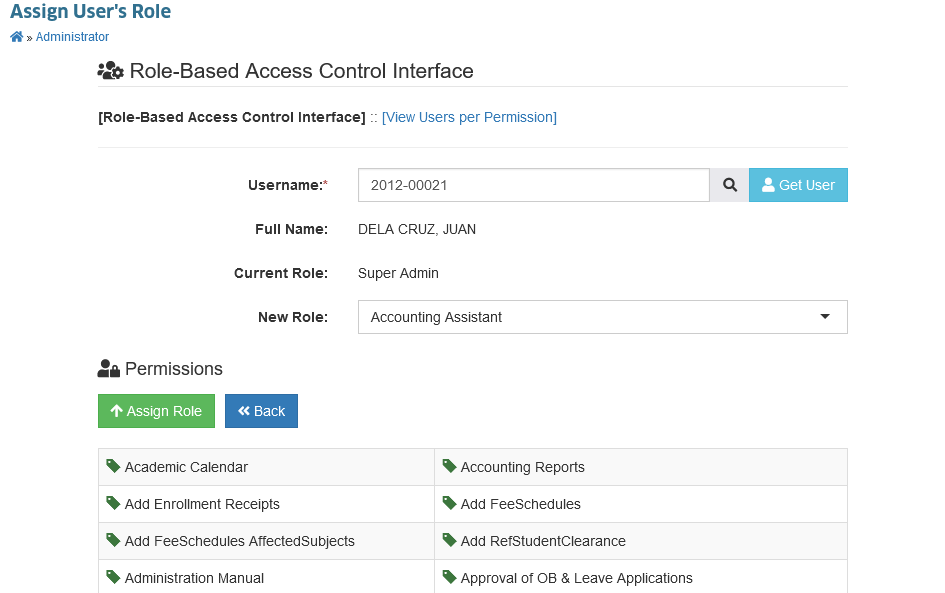
User passport has been updated.
How to view Users per Permission?
Follow the steps below on how to view the users with the specified permissions.
STEP 1. In the Assign User's Role page, click on the View Users per Permission tab.
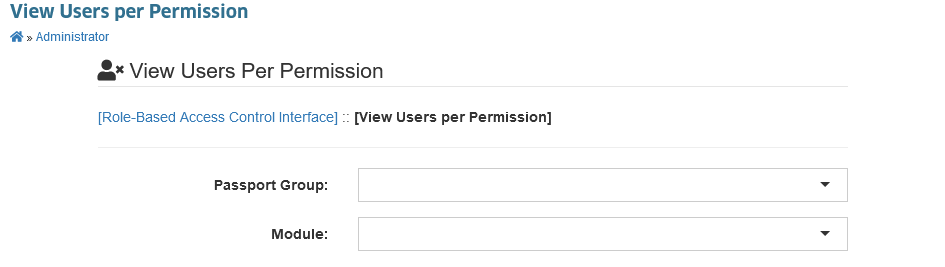
STEP 2. Specify the Passport Group and Module name from the dropdown list to view users with the specified permission.
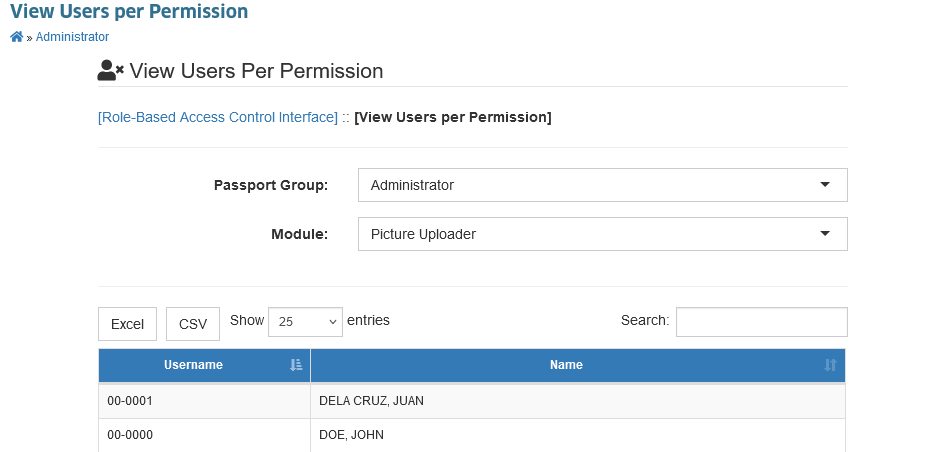
You may download an offline backup of the record by clicking the and button.